Licenses
The ReleaseEngine license can be applied in the Cockpit under Administration → Default Settings → Basic Settings.
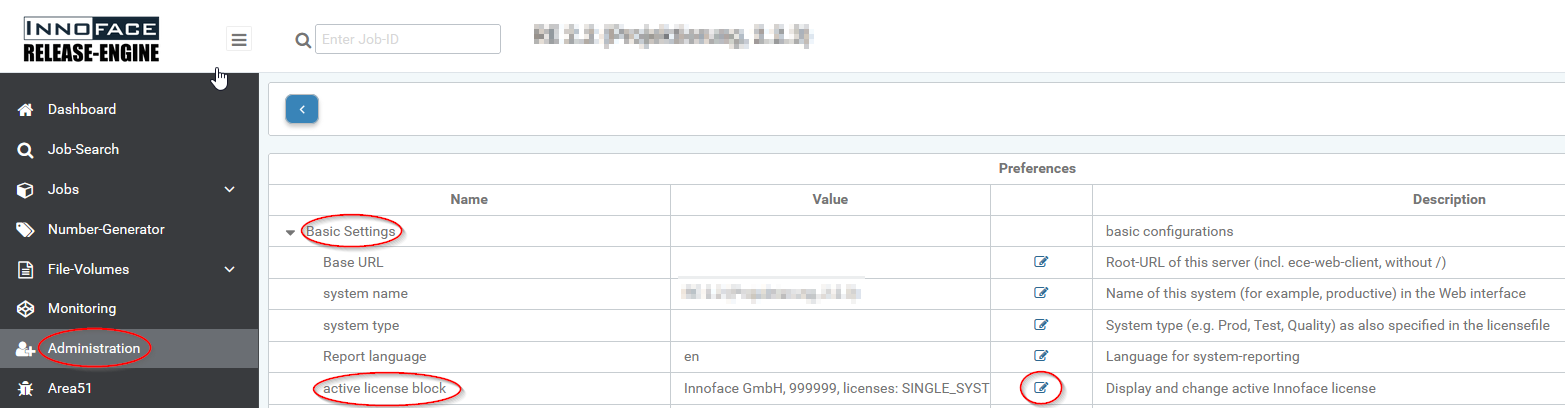
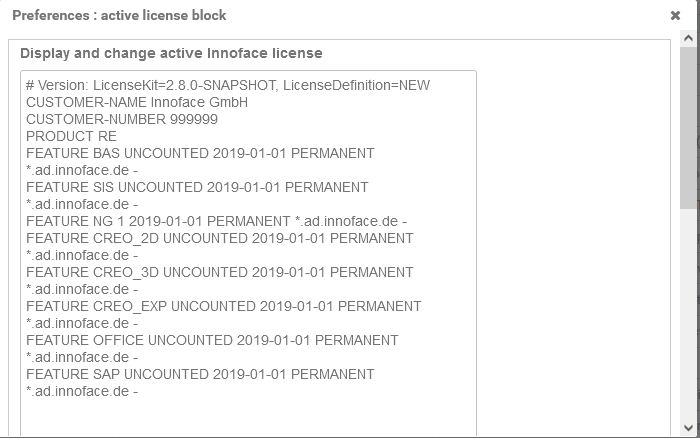
After the edit icon is clicked, a dialog opens displaying the current license block.
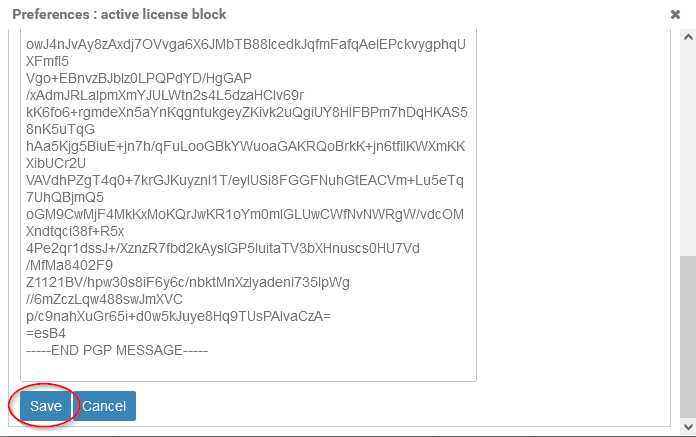
To replace the active license, the entire text must be overwritten with the content of the new license file that you received from Innoface. The license file can be opened with any text editor.
The license is confirmed with the Save button.
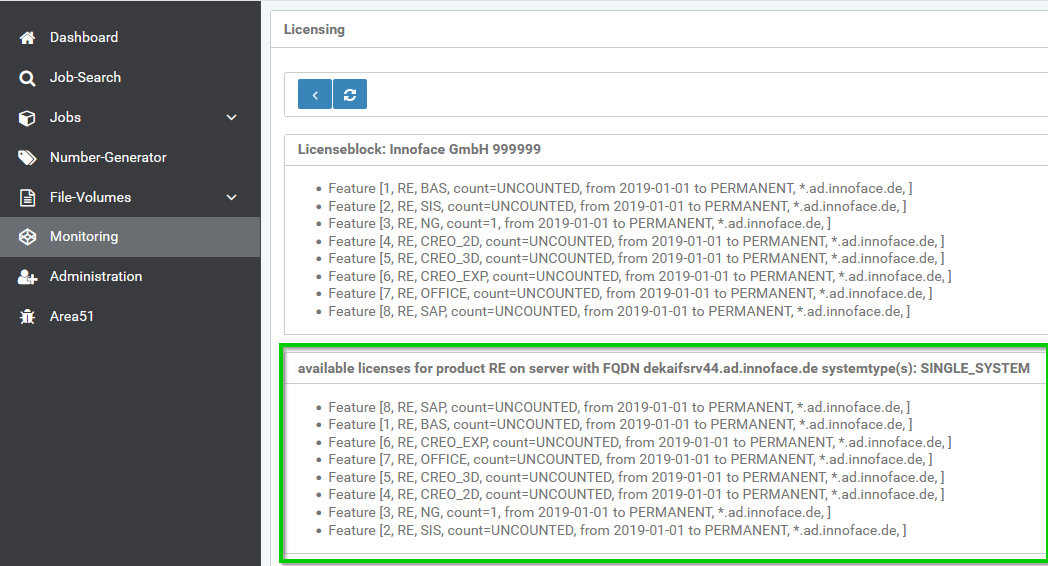
Under Monitoring → Licensing you can check whether the license for the system has been activated and all required features are included in the expected quantity.