
Creating a test job
Create RE job
You can create a RE test job here to check RE infrastructure.

Figure: Daemon and Cluster setup
The "Back to previous page" icon is at the top.
You can create a RE-test job with the following options:
Job type (Dropdown): Simple test, Vault test, Outgoing mail test, Creo start test
Weighting: Easy, normal, or difficult
Cluster (Dropdown): Select from the existing clusters in the system
Comment: Reason for creating the job
Mail recipients: separate multiple email recipients with a comma
Restart: If "ON", the daemon restarts after the job is processed.
Number of RE test jobs: Multiple jobs are created at the same time.
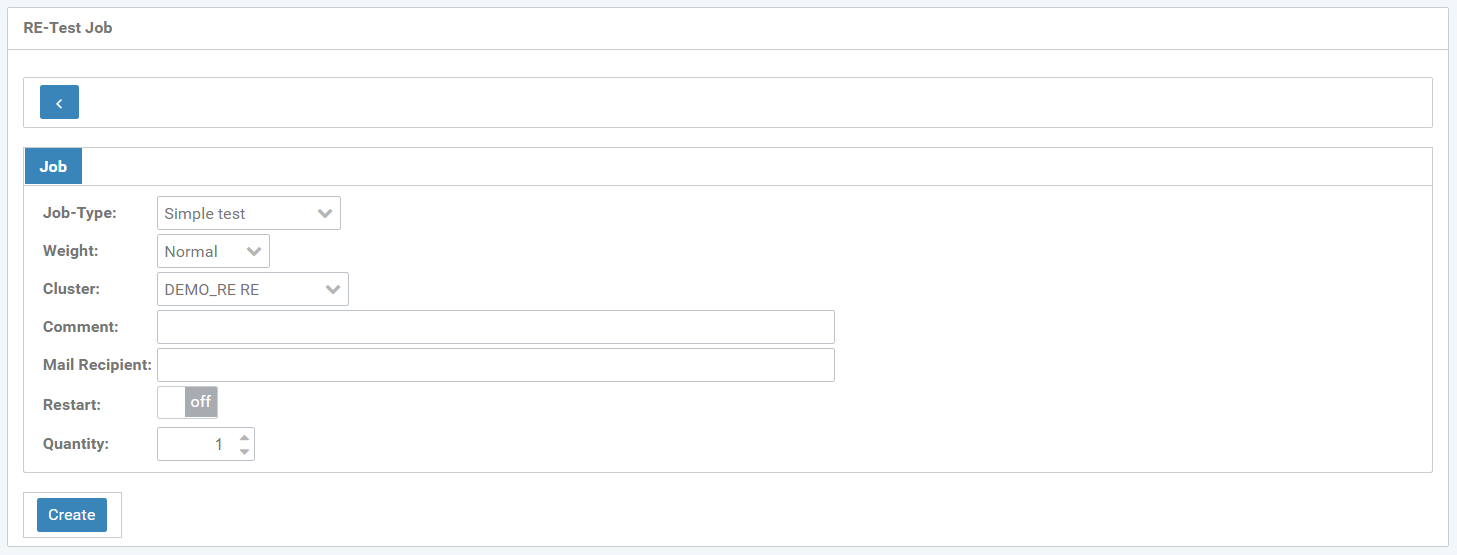
Figure: Edit RE test jobs
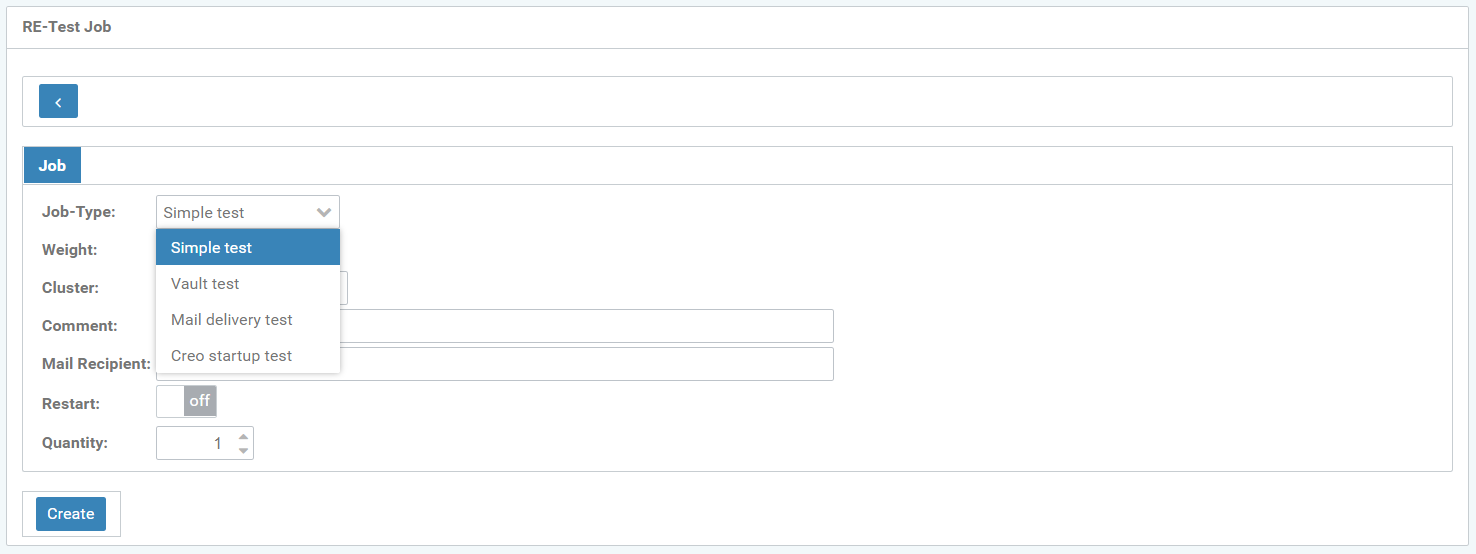
Figure: Create new RE test job
Various job types serve to test the basic functions of RE daemons.
Simple test
Vault test
Outbox test
Creo start test