
Preparing for SAP SSO

SAP JCo 3.1.3 or higher is required to use SSO. Earlier versions contain a bug that prevents SSO from working.
The following steps must be carried out:
Open the SAP Software Center: https://launchpad.support.sap.com/#/softwarecenter

You must log in as an S-user with sufficient access rights.
Search for SAPSSOEXT and download the latest version for the appropriate architecture.
For IFConneX, you must download the version for the operating system on which Windchill is running.
For the ReleaseEngine, you must download the version for the operating system on which the Release Engine is running.
Extract the contents of the .SAR file to a separate folder using the SAPCAR tool.
SAPCAR Dienstprogramm herunterladen, falls bisher nicht geschehen:
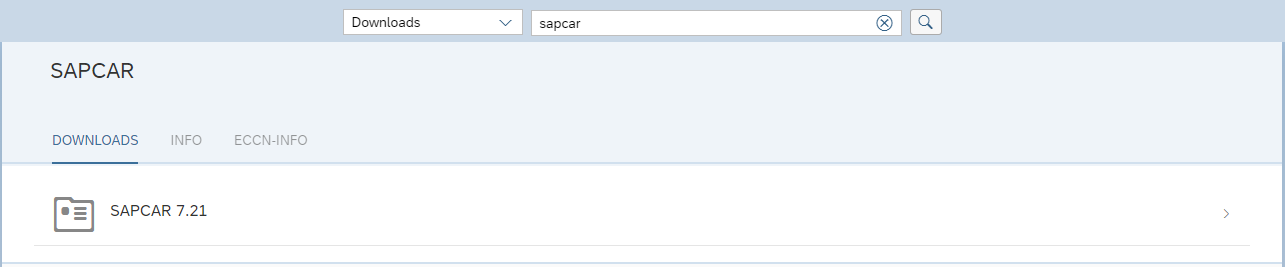
Execute the following command with the customized file and directory names:
SAPCAR.EXE -xvf SAPSSOEXT.SAR -R C:\Temp\sapssoext
Once the required folders/files are available, the directory containing the following files must be copied to the target system.
For Windows systems, these are the files:
|
For Linux systems, these are the files:
|

The libraries required for use must be available and installed, e.g., Microsoft C++ Redistributable 2010.
Info
The path on the target system can be freely selected.
Windchill and the ReleaseEngine require read access to the files.
The path should not contain any spaces or special characters and must be communicated to INNOFACE, as the path must be specified in the configuration of IFConneX or the ReleaseEngine.